CozyChessu

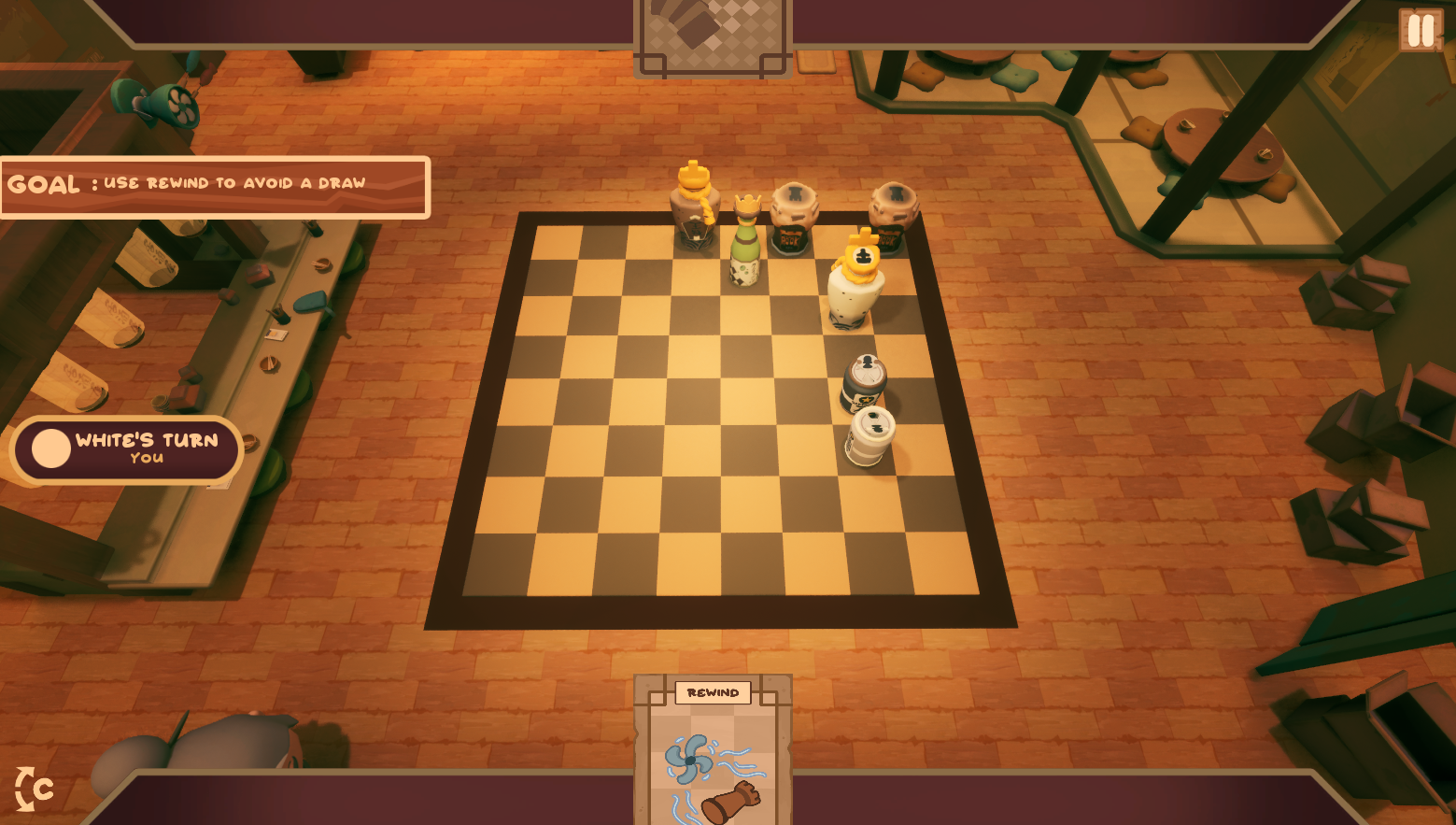
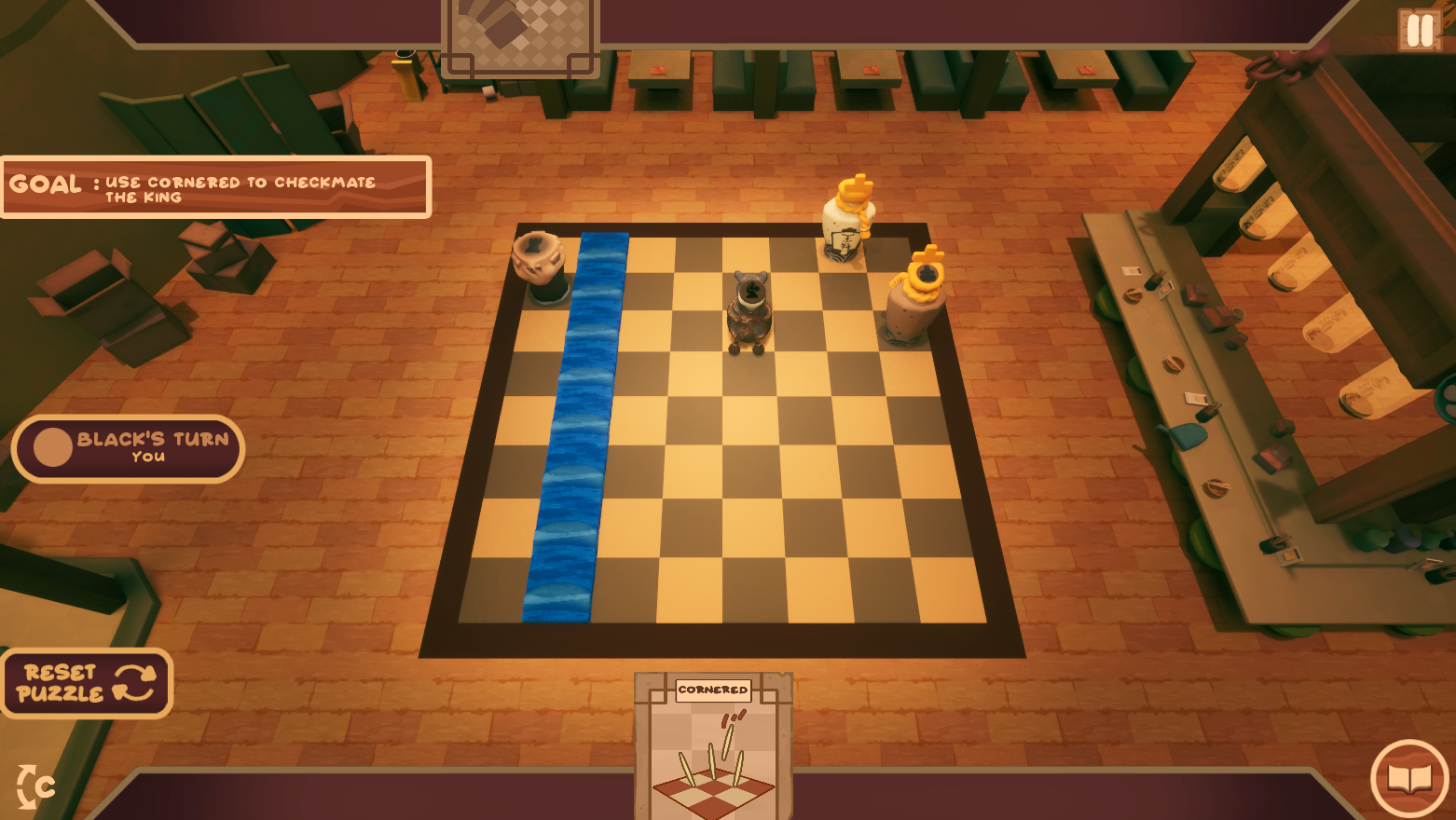
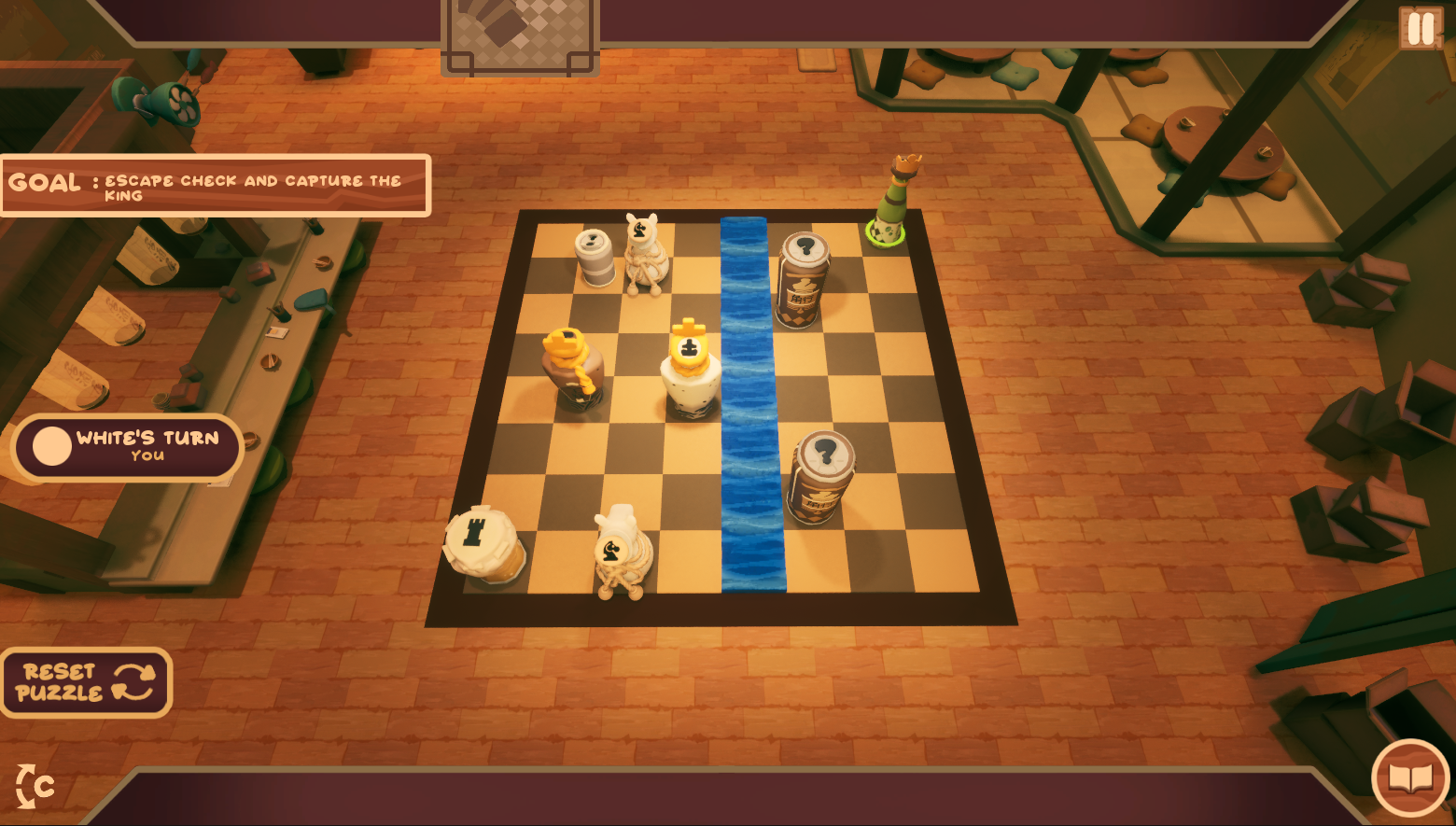
Project informations
- For work: All in Tactic Studio
- Engine: Unreal Engine Blueprints
- Project date: June 1 2025 - September 30 2026
- Steam page: steam/cozychessu
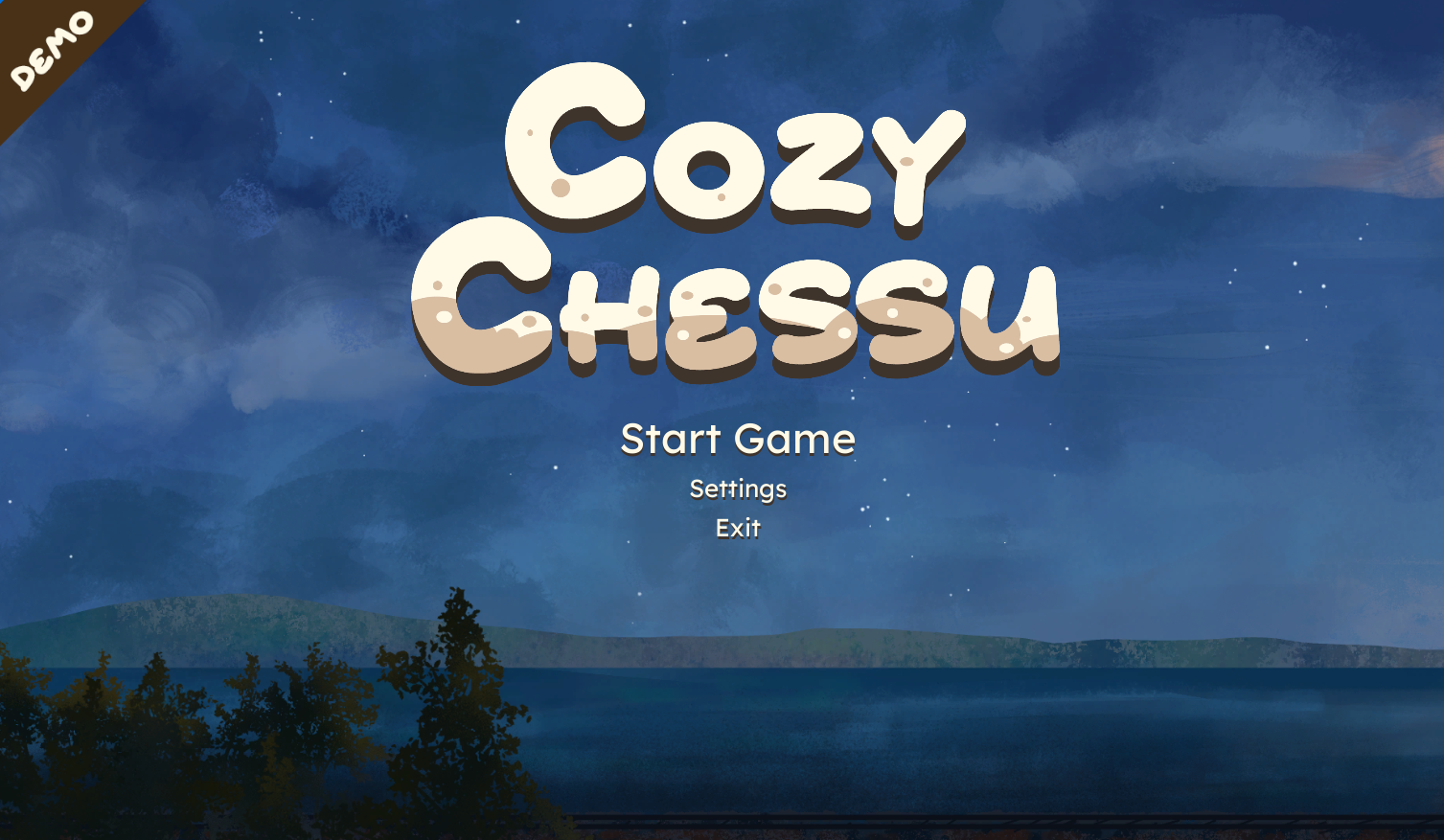
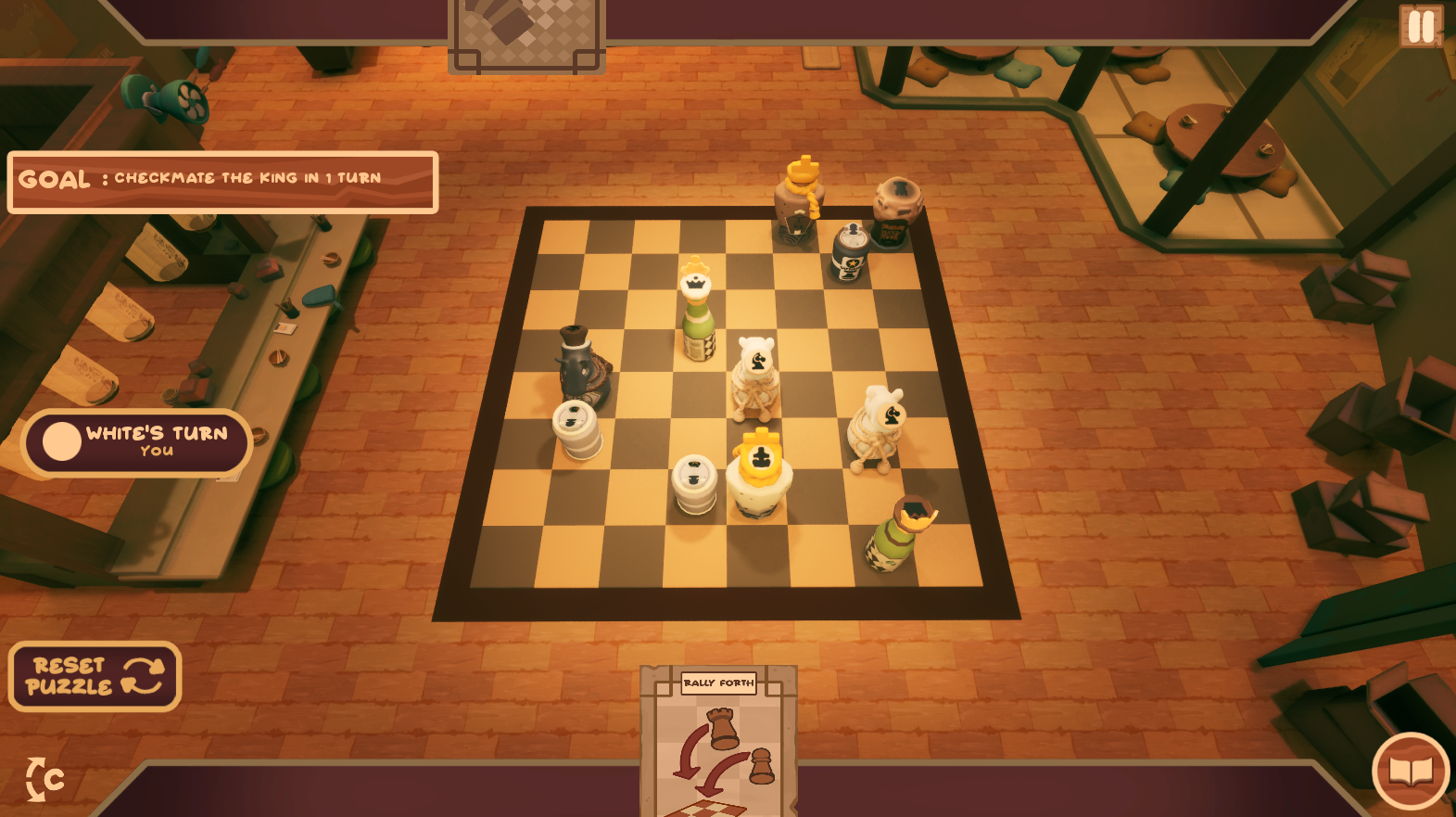
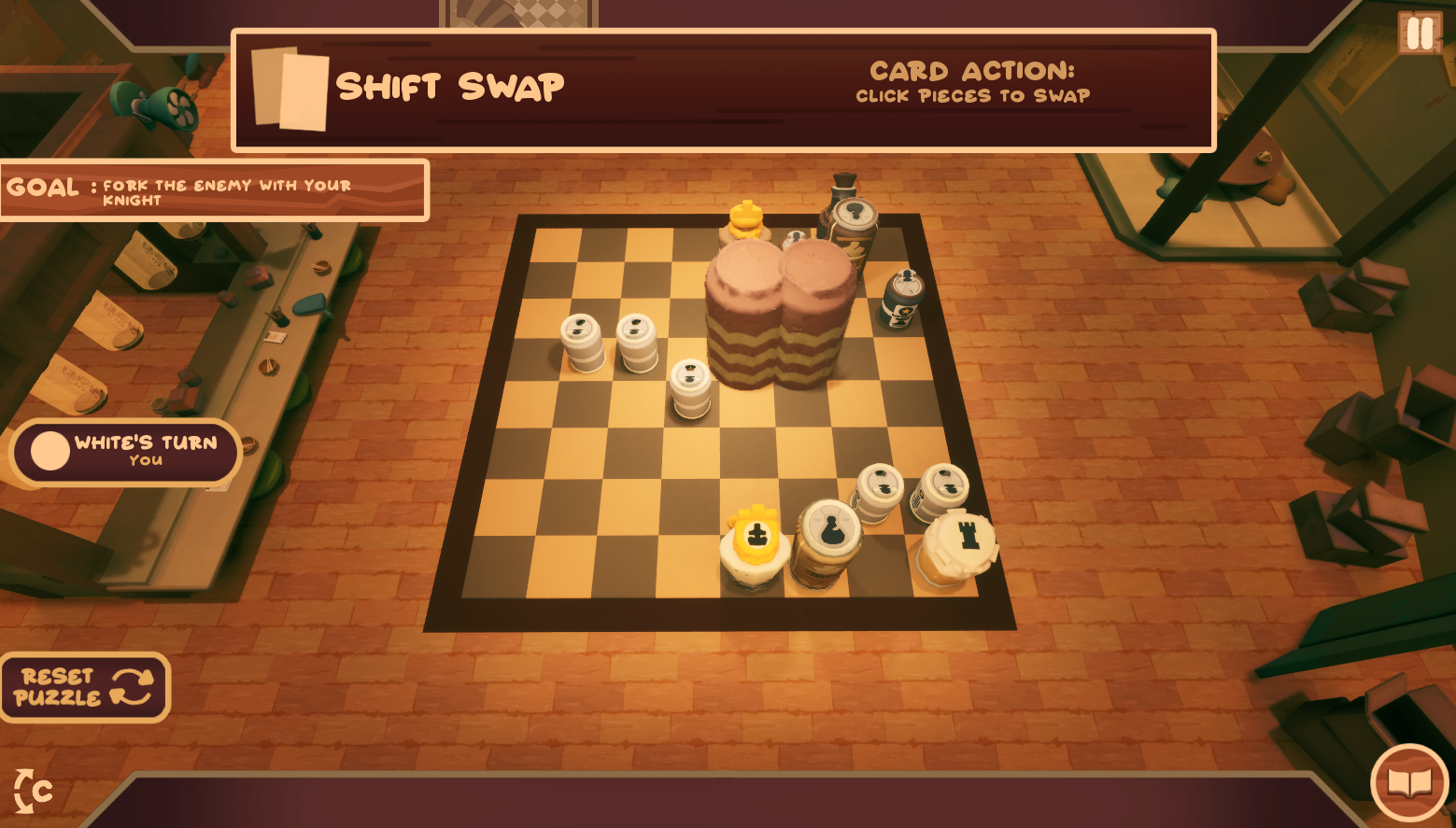
Play a reimagined game of chess, complete cozy challenges, and build relationships with customers in a warm izakaya.
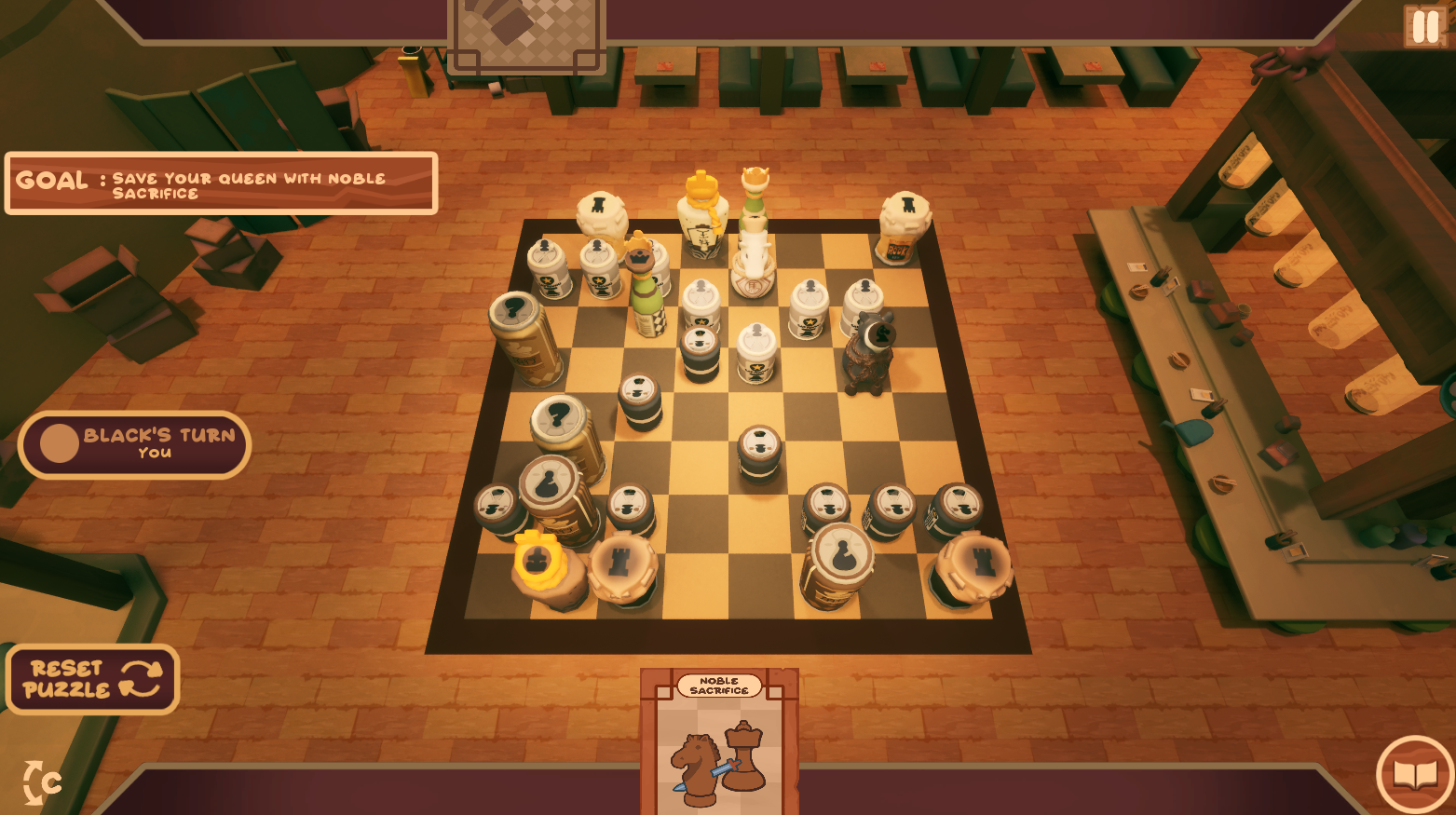
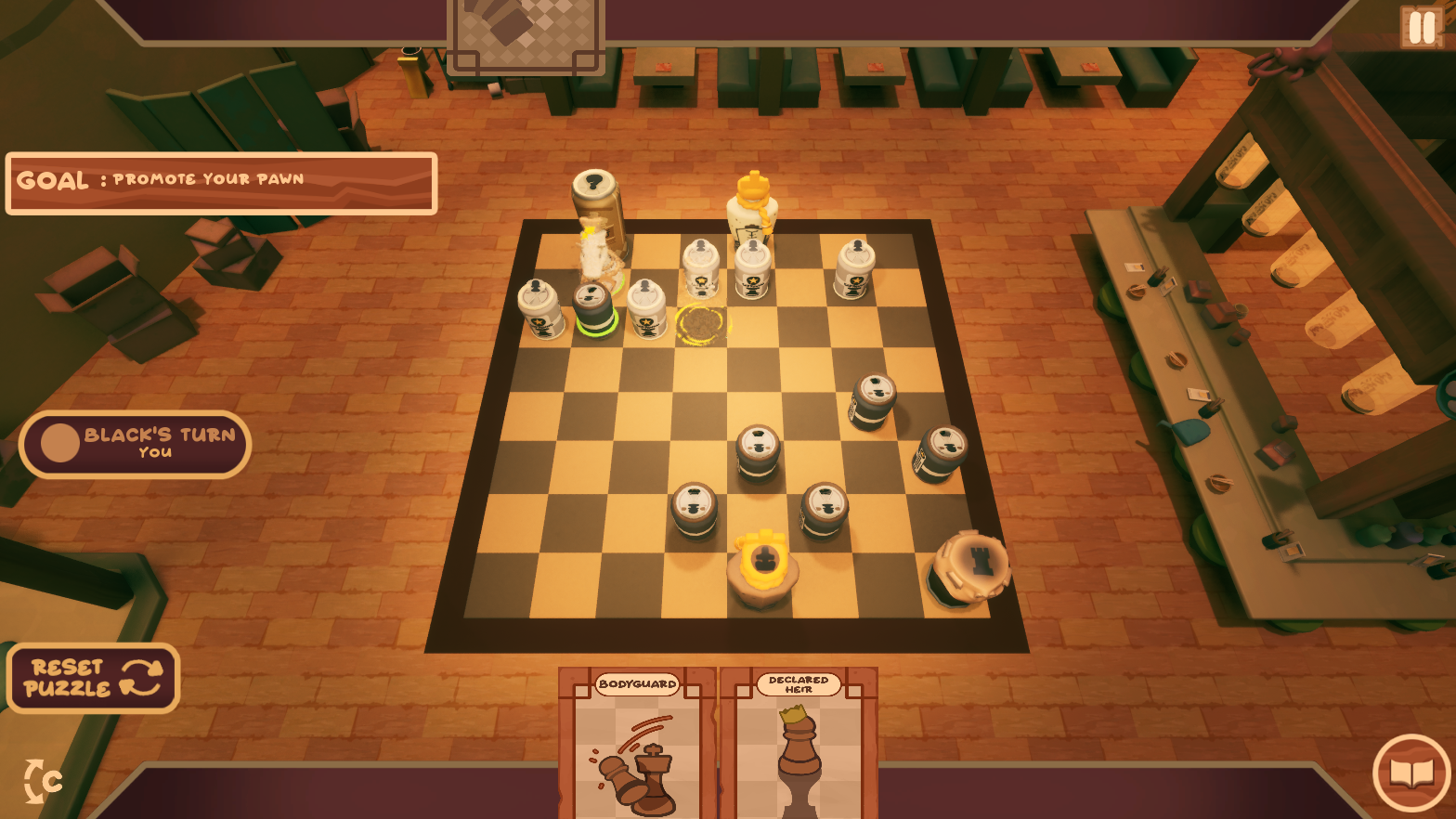
A cozy, story-driven chess game set in a cute izakaya, where special cards twist the rules and every match brings you closer to your customers.
Tasks
UI Game Mode
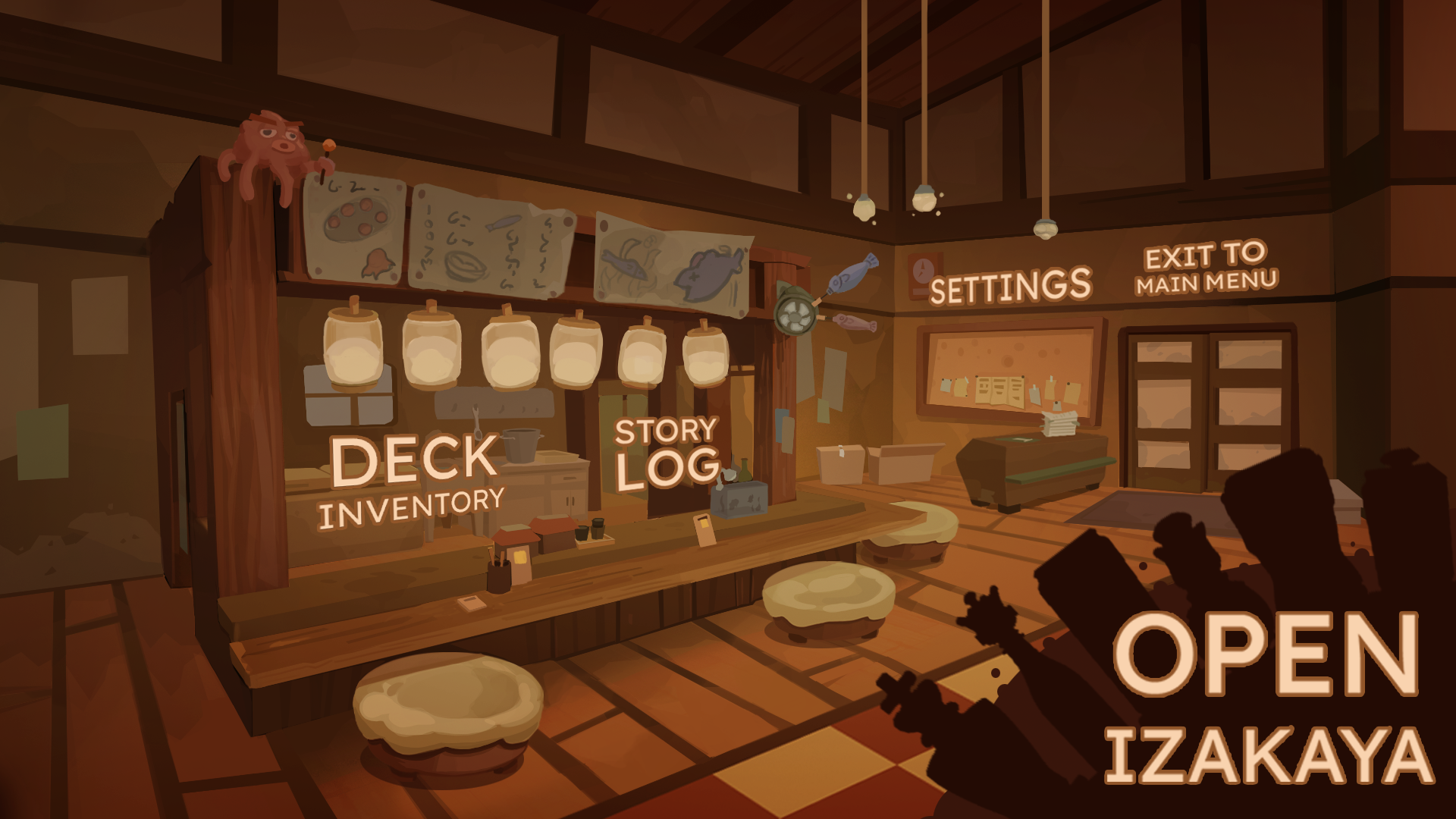
Chessu uses two main game modes: Game Mode (chess gameplay) and UI Game Mode (menus and interface screens). The UI Game Mode can be called from anywhere in the game, making it easy to switch between different UI screens. These include the Lobby, Deck Inventory, Settings, Pre-Match, Post-Match, Story Log, and Dialogue. Each UI screen is placed in its own viewport. Instead of constantly removing and adding UI elements, the player simply moves between viewports to access the desired screen. This approach keeps the UI organized, simplifies navigation, and makes transitions between screens faster and easier to manage.
Dialogue
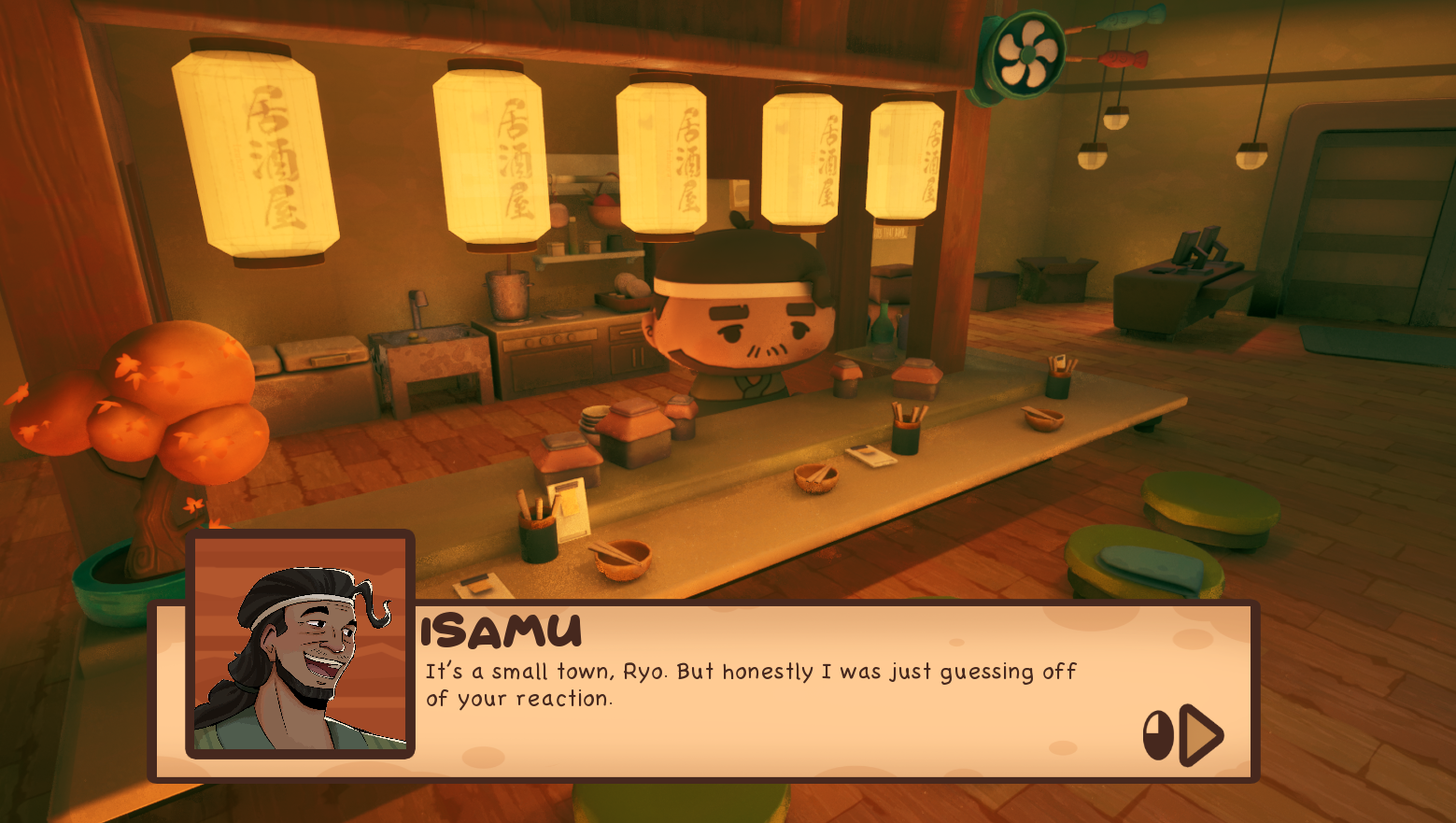
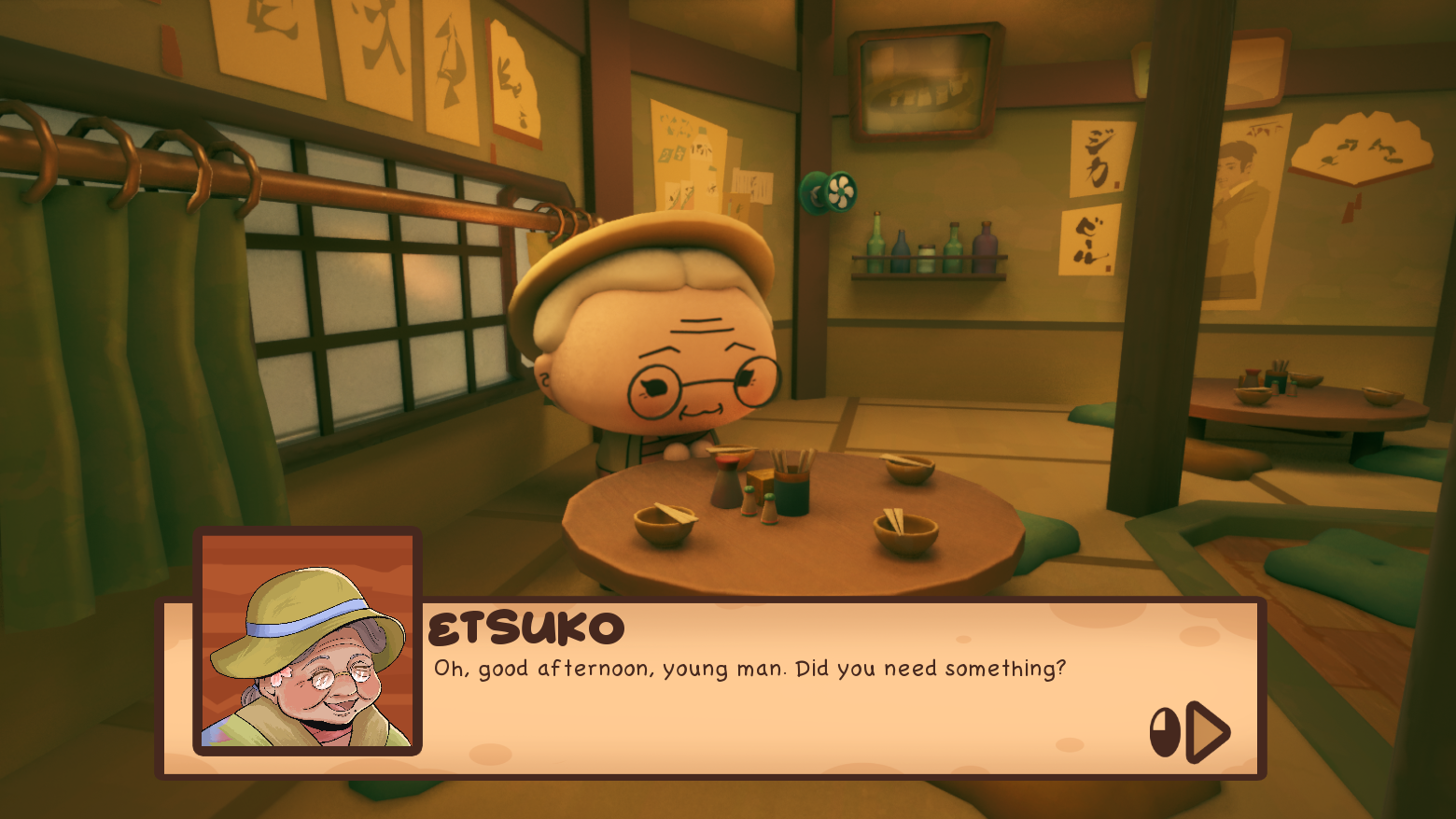
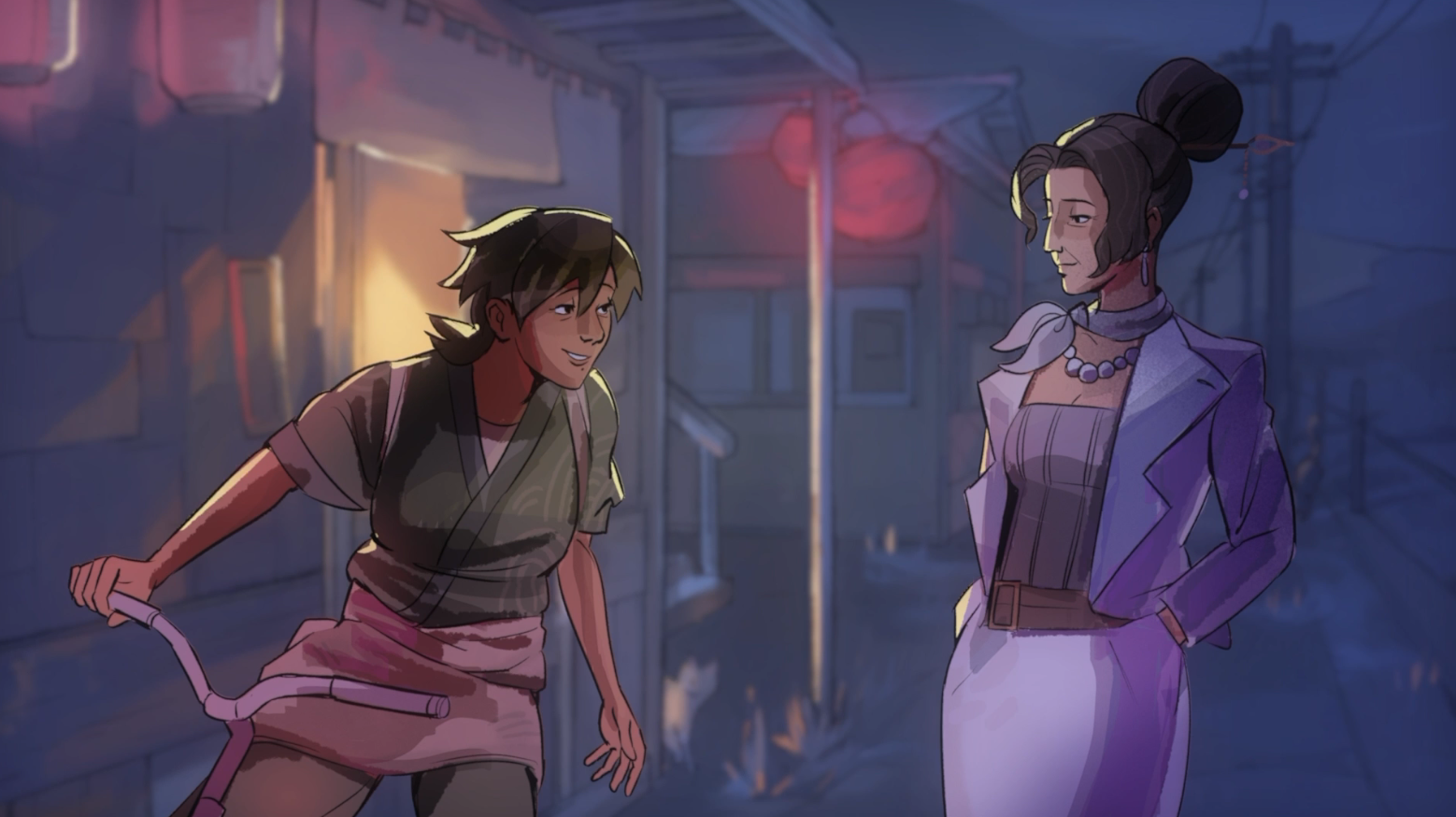
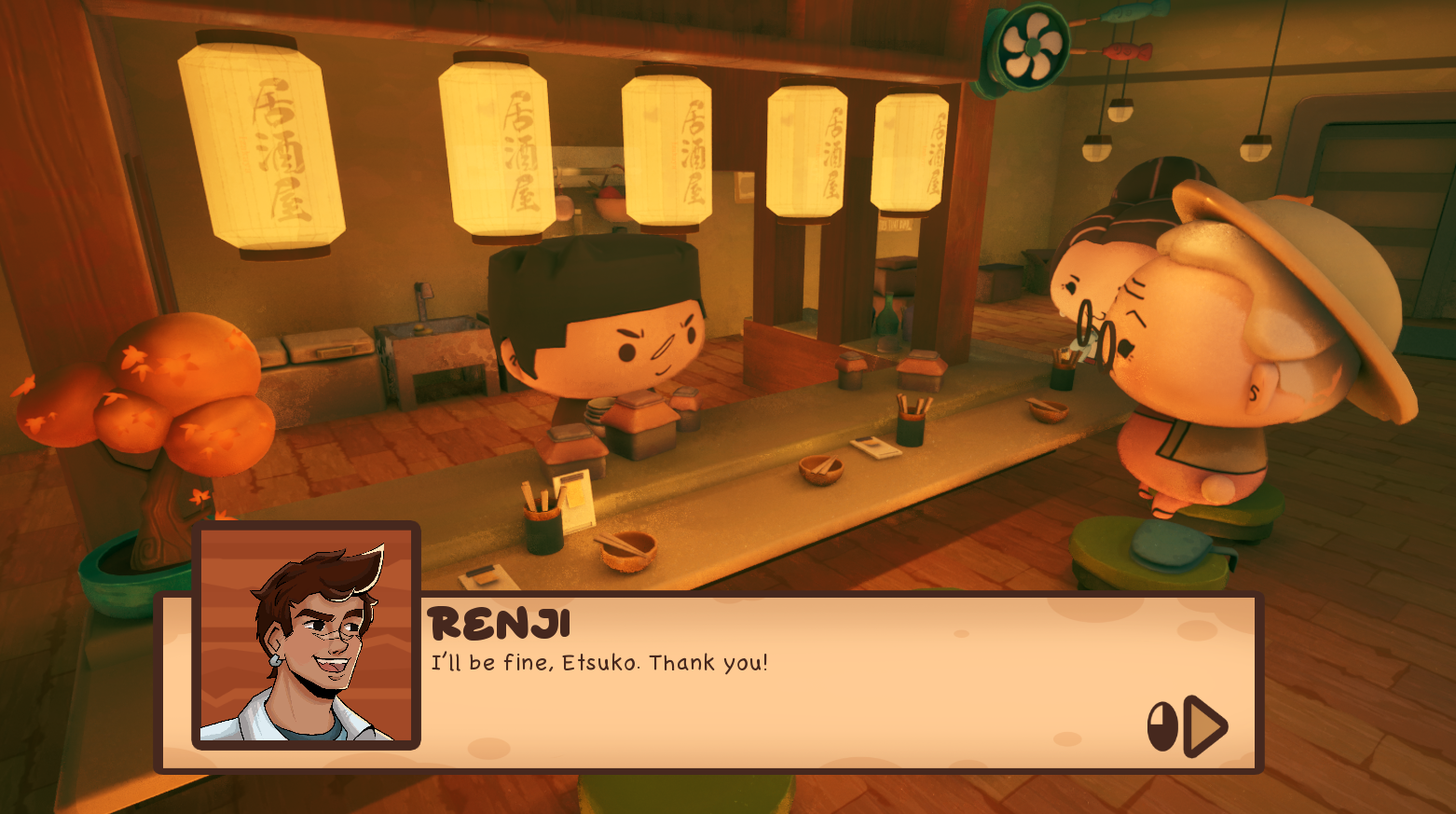
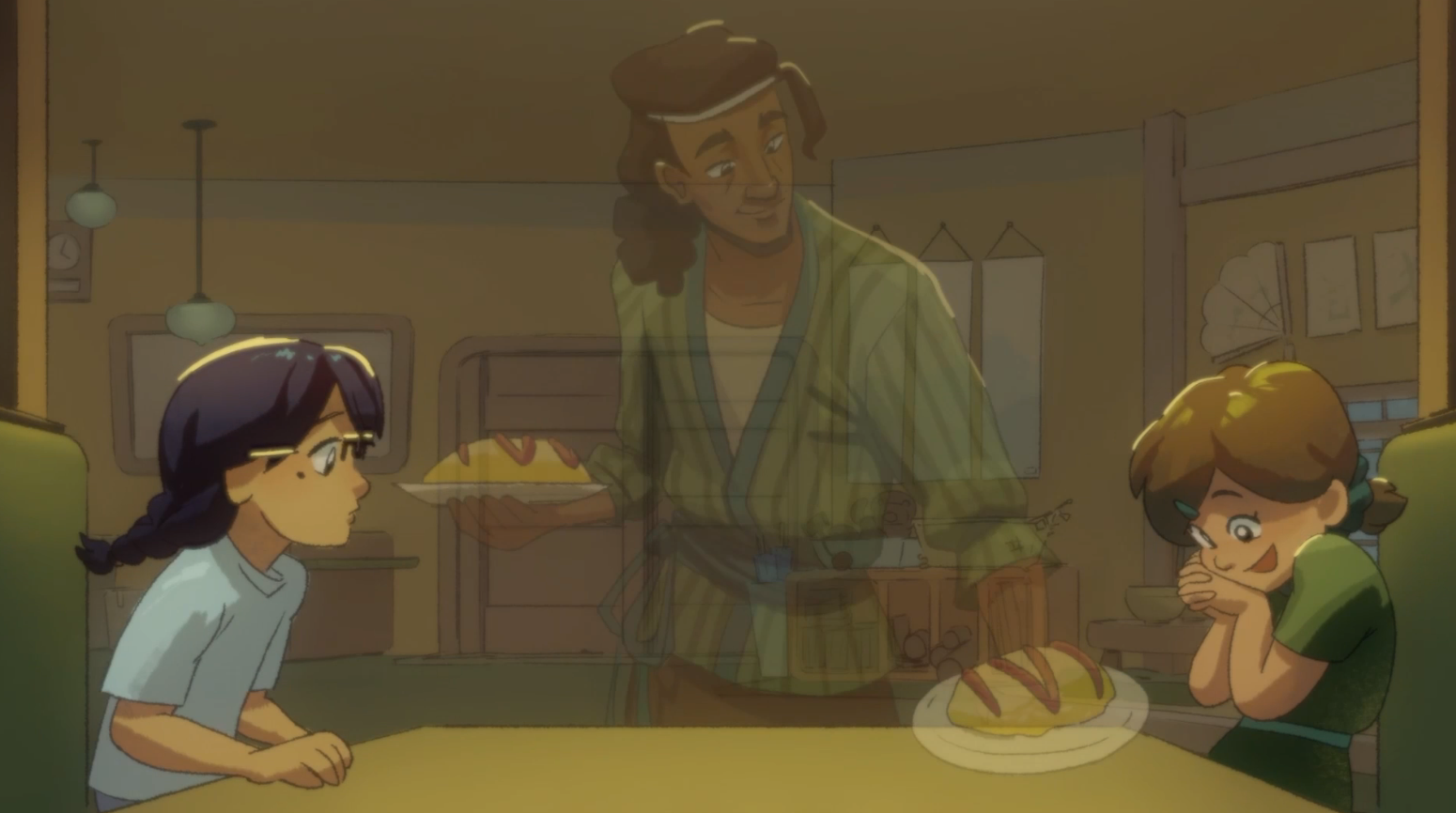
Each story has its own background image and dialogue script. The system progresses through each line, updating the dialogue box, character portrait, and character name accordingly. When the player selects a story, they are moved to the Dialogue viewport, where these elements are updated based on the current dialogue. Once the story is completed, the player is automatically returned to the Story Log. The button used to access the story is temporary. Once the Narrative System is fully implemented, it will be reorganized to support the complete story flow.
Ability Card Effects
BPAbilityCardEffects is an extension of BPCardManager responsible for creating and removing the visual assets and effects associated with Ability Cards. It can receive instructions from BPCardManager, the Chessboard, or individual pieces. For example, it can create visual elements such as banners or other assets required by an Ability Card. This keeps the creation and removal of card-related effects separate from the main card management logic.
Background NPC System
The Background NPC system is designed to make the restaurant feel alive rather than static. NPCs feature visual variations, arrive solo or in groups, follow natural meal cycles (arrival, seating, eating, leaving), use different tables, and play contextual animations with ambient chatter. Behavioral randomness, satisfaction levels, dynamic density control, overflow handling, and special events (VIPs, large groups) ensure the environment reacts to player actions and narrative beats, creating a believable and immersive social space.
Temporary Effects
Some Ability Cards create effects that remain active for a specific number of turns. The object affected by the ability, such as the Chessboard or a chess piece, manages the timer by binding a delegate to itself. Once the timer expires, the delegate calls BPAbilityCardEffects to remove the corresponding asset or effect. BPAbilityCardEffects then removes the effect and unbinds the delegate, ensuring that temporary effects are properly cleaned up.
Card Management
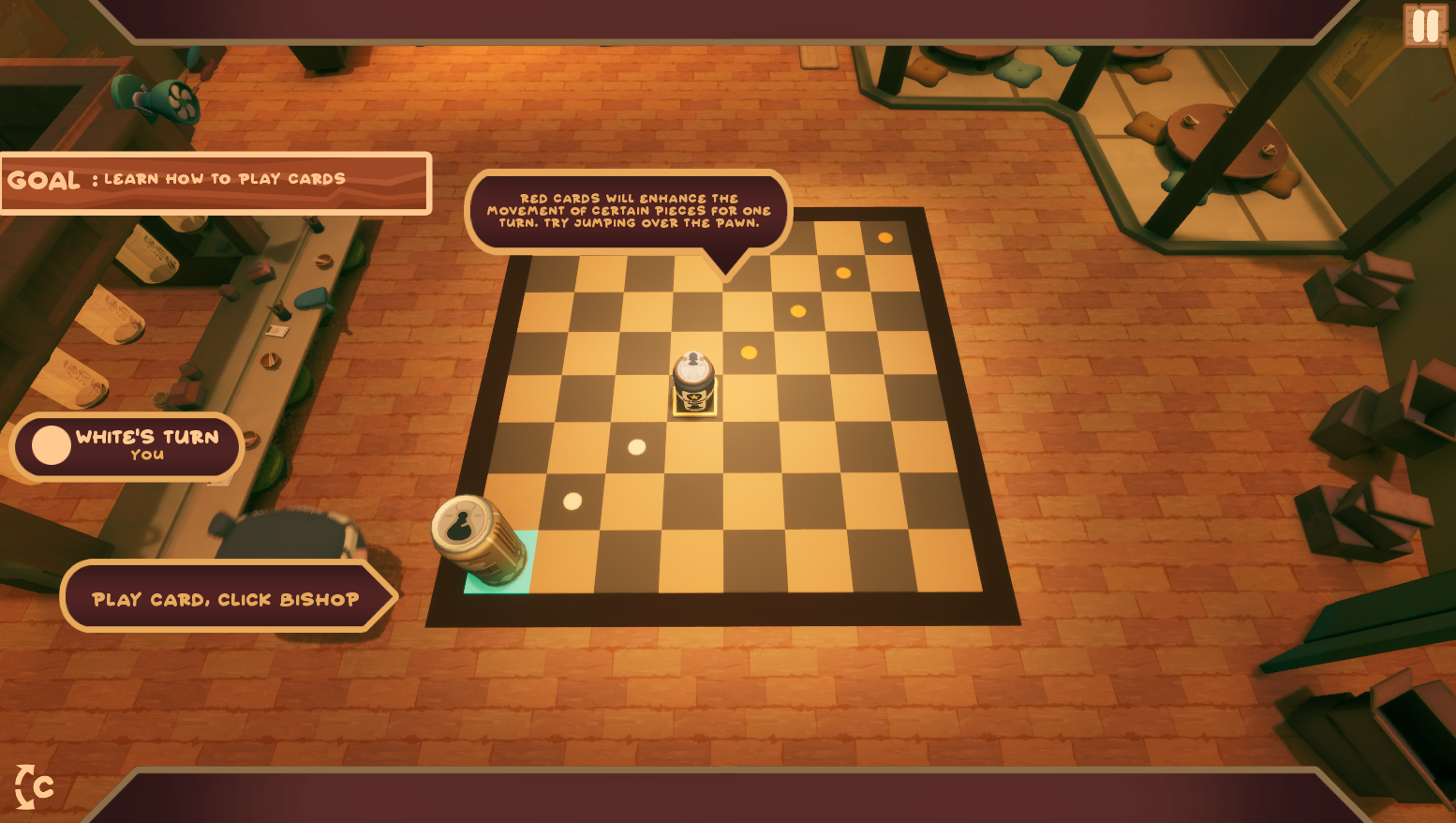
BPCardManager is responsible for managing all card-related logic. When a card is played, it first determines whether it is a Movement Card or an Ability Card and identifies the specific card being used. BPCardManager acts as a central manager rather than a subsystem because Unreal’s Blueprint Template does not allow us to compile a subsystem. The goal is to keep all card-related information and logic in one place, including the card data defined in Struct_Cards, such as the card name, Texture2D, and other properties. When a card is played, BPCardManager determines where its effect needs to be handled. Effects that directly affect cards are executed by BPCardManager itself, while effects that affect the board are passed to the Chessboard. If the effect requires a decision, such as choosing which piece to affect, the information is passed to the Player or Bot. Once a decision is made, the information is sent to the selected piece, which then executes the effect
Chess Piece
BPChessPiece is the parent class for all chess pieces and contains the shared information used by its child pieces, including their PieceName and attributes. It also contains a boolean called NeedCardToMove, which determines whether a specific piece requires a card to move. Whenever a piece is selected, its information is sent to the Chessboard, including which piece was selected, its current position, and its intended destination. This allows the Chessboard to handle the movement while using the information provided by the piece to determine whether additional requirements must be met.
Chessboard
The Chessboard contains a function called VerifCard, which verifies whether the player or bot has the required card to move the selected piece. It checks the piece's PieceName and NeedCardToMove values to determine whether a card is required, then checks through BPCardManager whether the required card has already been used. If CardHasBeenUsed is true, the Chessboard highlights the pieces that can be affected by that card and prevents the player from using another card. If the selected piece requires a card, the Chessboard asks BPCardManager whether the player or bot has the required card. If the card is available, the piece can move and BPCardManager removes the card. Otherwise, the movement is prevented.
Narrative Progress
We created a separate Data Table, DT_NarrativeProgress, to store all narrative variables and their current state. Its columns contain the VariableName, its State (true/false), and the NextStory. DT_NarrativeProgress is the only hard save responsible for the player's story progression. Before launching a script, BP_NarrativeManager checks the variables stored in the Ink Data Table against DT_NarrativeProgress to determine the player's current progression and build the appropriate dialogue. When BP_NarrativeManager processes a script and encounters a variable change, it updates the corresponding variable in DT_NarrativeProgress and performs a hard save. When BP_NarrativeManager is constructed, it retrieves the appropriate story from the current Ink Data Table, again using the variables stored in DT_NarrativeProgress to verify which story the player should access. The selected story is then sent to the W_DialogueBox, which reads and displays the dialogue line by line.
Scripts
Each script has its own dedicated Data Table. The columns contain the Name, DialogueLine, AudioLine, and Image. Some Ink scripts only have a single version, while scripts with multiple versions are organized into their own folders. BP_NarrativeManager determines which version of the script should be used based on the player's current narrative progression.